
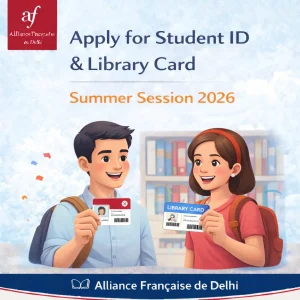
Students enrolled in current session are requested to Apply for Student ID & Library Card – Summer Session 2026 by following the instructions below.
Before You Apply
- Upload a recent passport-size photograph — front-facing, with your face clearly visible.
- Upload a valid government-issued ID — showing both identity and address (e.g., Aadhar, Passport, Driving License).
Detailed instructions on uploading documents to the Student Kiosk are available here:
👉 https://afdelhi.org/storage/2021/12/Steps-to-update-candidate-information.pdf
Log in to your AFD Student Portal using your registered email to upload your picture and documents. If you’ve forgotten your password, select “Recover my password” on the login page.
For New Students
- Ensure your profile photo, name, and address proof are accurate, clearly visible and uploaded to your Student Portal.
- If you wish to obtain a Student ID cum Library Card, you have to deposit one-time refundable library caution deposit of Rs 2000/= paid to Cashier at AFD Reception. If library deposit is not paid, you will receive Student ID card only.
- Student ID card provide you with limited library access like browsing/reading books, accessing public library computers, workshops, play playstation etc but you cannot borrow or loan books from library.
For Renewal
- Submit/Show your expired Student ID / Library Card along with updated documents if necessary.
- First Card print is free or cost. Replacement Card cost is Rs200/= if lost or reprinted due to photo change, library membership to be included in card, name change etc.
Photo Requirements
| Requirement | Details |
|---|---|
| Recency | Taken within the last 6 months |
| Format | Color photo; JPEG, PNG, or GIF accepted |
| Composition | Front-facing – Head, face, and shoulders only; neutral background |
| Expression | Face the camera directly; natural smile welcome |
| Restrictions | No filters, no other people/objects, no tinted eyewear |
For a smooth and timely issuance of your ID card, we request all students to carefully follow the above guideline and ensure your profile photo, name, and address proof uploaded on the Student Portal are accurate and clearly visible.